sikabooks Help Center
Guides for every sikabooks workspace
Stock and operations teams
Inventory user manual
Products, stock, locations, transfers, batches, and valuation.
20 articles
Workflows and guidance
- Getting Started The Inventory module provides complete stock management for your business, including multi-location tracking, batch and serial number management, stock transfers, physical counts,...
- Products Products are the core of your inventory. Each product represents an item you track, buy, or sell. Product Types Type Description Tracking Goods Physical items you stock and sell Fu...
- Product Categories Categories help you organize products into a logical hierarchy. Creating a Category Navigate to Categories → Create. Enter the category name and optional description. Select a pare...
- Units of Measure Units of measure define how you quantify products (pieces, kilograms, litres, etc.). Unit Categories Category Examples Weight Kilogram, Gram, Pound Volume Litre, Millilitre, Gallon...
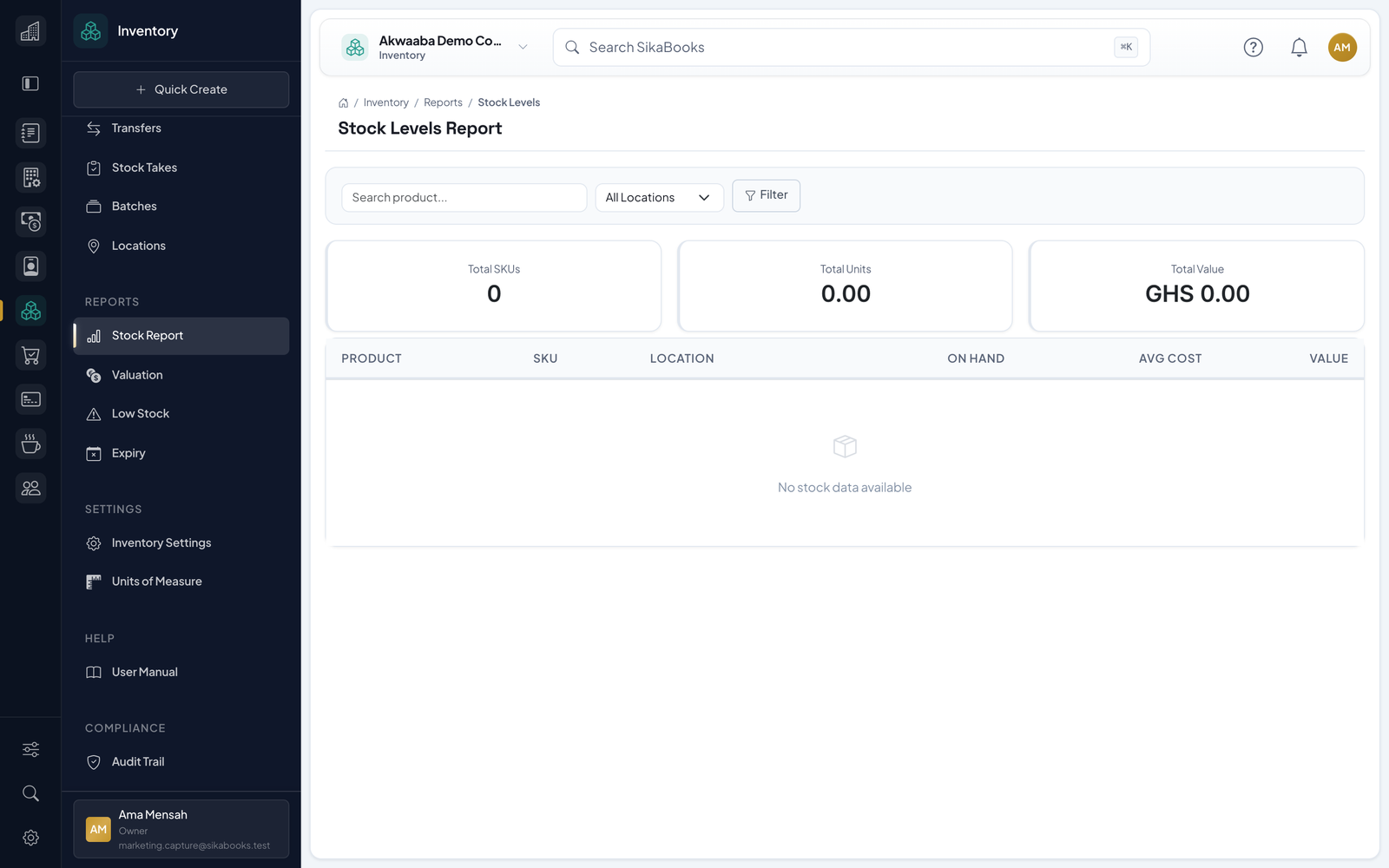
- Stock Levels The Stock Levels page shows the current quantity on hand for every product at every location. Viewing Stock Levels Navigate to Stock Levels to see: Product name and SKU Location Qu...
- Stock Movements Stock movements form an immutable, append-only ledger that records every change to your inventory. No movement can be edited or deleted after creation. Movement Types Type Descript...
- Receiving Stock Use the Receive Stock function to record incoming goods into your inventory. Recording a Receipt Navigate to Receive Stock. Select the location where goods are being received. Sear...
- Stock Adjustments Use adjustments to correct stock levels when they do not match physical reality. Recording an Adjustment Navigate to Adjust Stock. Select the adjustment type: Increase or Decrease....
- Batch & Expiry Management Batch tracking allows you to trace groups of items through your inventory by batch number, with optional expiry date tracking. Enabling Batch Tracking Navigate to Settings. Enable...
- Serial Number Tracking Serial tracking lets you trace individual units through their lifecycle — from receipt to sale or write-off. Enabling Serial Tracking Serial tracking is configured per product: Edi...
- Locations & Warehouses Multi-location support lets you track stock across warehouses, stores, and transit points. Location Types Type Description Warehouse Primary storage facility Store Retail or custom...
- Stock Transfers Transfer stock between locations with a multi-step workflow that tracks goods from source to destination. Transfer Workflow Draft → Shipped → Received Draft → Cancelled Creating a...
- Stock Takes (Physical Counts) Stock takes let you verify actual quantities against system records and automatically create adjustments for discrepancies. Stock Take Workflow Creating a Stock Take Navigate to St...
- Scheduled Location Pricing Scheduled Price Sheets let authorized users prepare location-specific selling prices before they affect POS. The base products.selling_price remains the fallback when no released l...
- Reports The Inventory module includes five built-in reports to help you monitor and analyze your stock. Stock Levels Report Purpose: View current stock quantities across all products and l...
- Settings & Configuration Navigate to Settings to configure the Inventory module for your business. General Settings Setting Description Options Default Valuation Method How inventory cost is calculated WAC...
- Integration with Other Modules Inventory workspace access controls what the employee can see and do. The background POS and Accounting integrations below continue for authorised transactions even when that emplo...
- Permissions Access to Inventory features is controlled by permissions assigned to user roles. Permission Capability inventory.products.view View product catalog inventory.products.create Creat...
- Troubleshooting A product cannot be received Confirm it is active, tracks inventory, has a valid unit, and is allowed at the chosen location. Batch-tracked products require valid batch data; seria...
- Mobile Inventory Capture and Device Allocations The mobile POS uses the authorized Inventory category names and optional private product previews from its prepared catalog. Tiles show store quantities separately from remaining o...