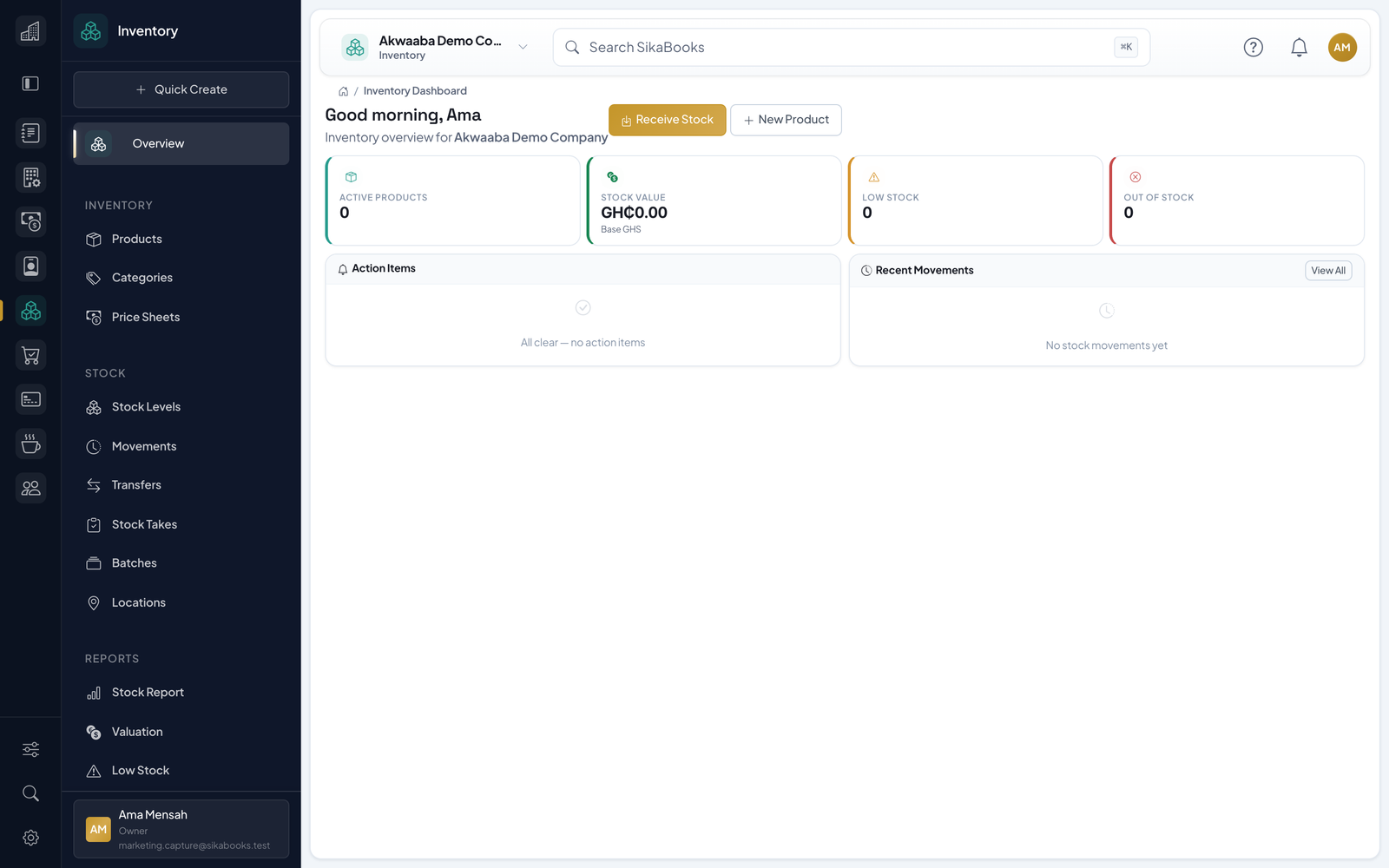
Create products with consistent naming and codes
Inventory
Manage products and stock with fewer surprises.
Know what you have, what is selling, and what to reorder.
- Maintain a product catalog that stays consistent across modules
- Track stock movements to prevent overselling
- Restock with confidence using sales visibility
- Reduce manual adjustments with clearer records
Product views
See Inventory in action
Current, responsive screenshots captured from the synthetic Akwaaba demo workspace.
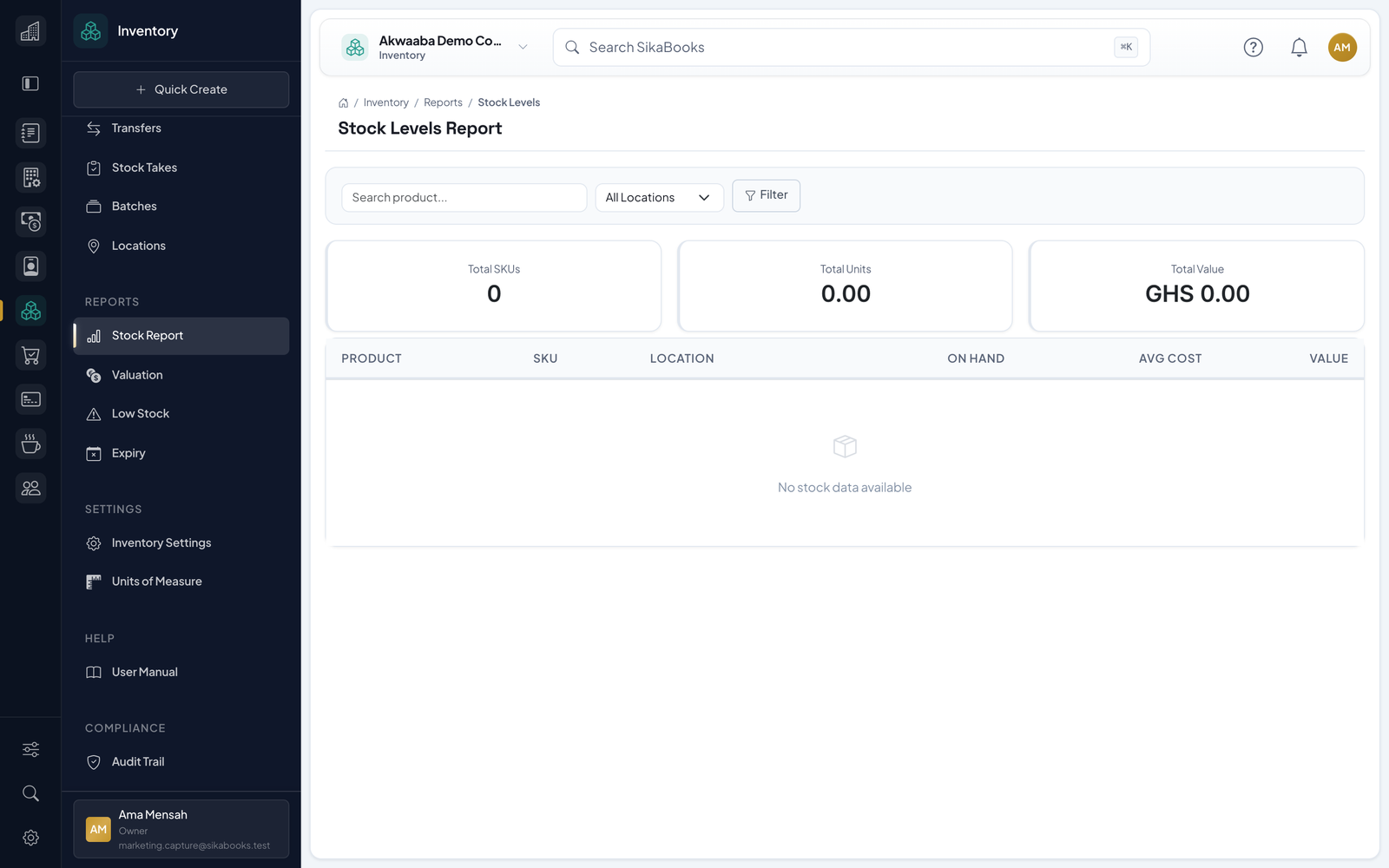
Feature detail
Everything in Inventory
A closer look at what you get when you add Inventory to your workflow.
Set pricing that is reused in sales flows
Keep catalog tidy for your team
Track quantities as sales and purchases happen
Record adjustments with context when needed
Avoid running out unexpectedly
Plan restocking from what is selling
Receive stock and confirm quantities
Keep historical records of restocks
See what is moving and what is not
Spot low stock earlier
Support better buying decisions
Related modules
Pair Inventory with these for a more complete workflow.
Accounting
Clarity on cashflow, profit and what is owed.
POS
Fast checkout with controls for staff and sales.
Asset Management
Track assets from acquisition to disposal with QR-ready controls.
Procurement
Control requests, quotes, orders and receipts without spreadsheet drift.
CRM
Capture leads, move deals, send quotes, and keep finance in sync without scattered tools.
Pharmacy
Manage drug stock, sales and dispensing with confidence.
Restaurant
Run your tables, kitchen and menu from one screen.
Payroll
Pay your team right, stay compliant, sleep better.
Human Resources
Give people operations one reliable home.
How Inventory connects
- POS sales can automatically reduce stock.
- Procurement goods receipts can update stock as items are received.
Inventory
Ready to try Inventory?
Know what you have, what is selling, and what to reorder. Start free, no payment needed.