sikabooks Help Center
Guides for every sikabooks workspace
Restaurant managers and service teams
Restaurant user manual
Waiter and kitchen training, paper tickets, kitchen screens, bills, payments, and daily service checks.
15 articles
Workflows and guidance
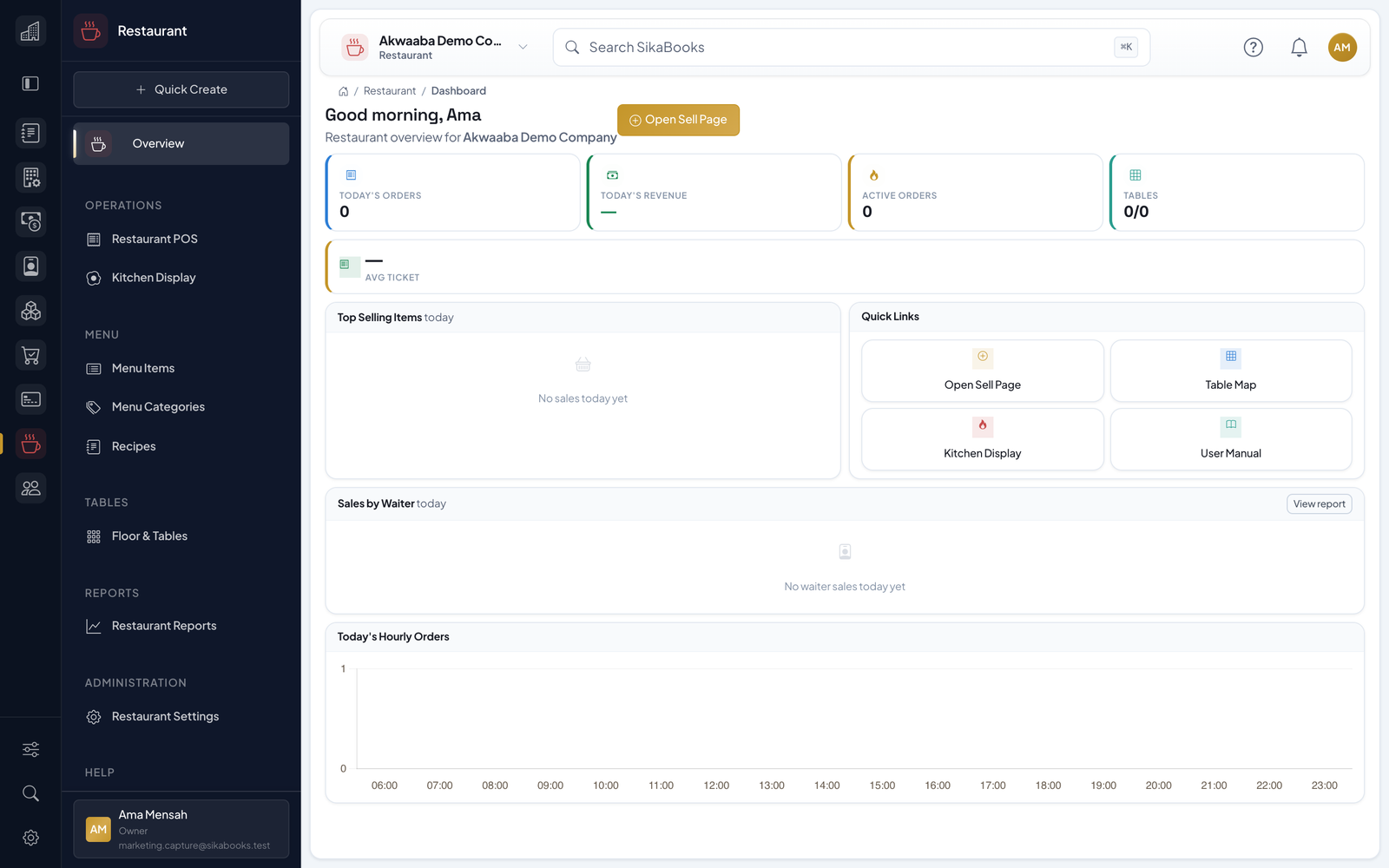
- Getting Started Welcome to the SikaBooks Restaurant module. The module extends POS and Inventory for restaurants, cafes, bars, and food-service teams that need waiter-led service, kitchen routing,...
- Daily Restaurant Workflow Follow the shared steps, but choose only the preparation branch saved on the order. A paper-only restaurant does not need a Kitchen Display approval step. Preparation and payment a...
- Start-of-Day Checklist Before: A supervisor has confirmed the day's location and how service runs (Restaurant > Settings > Service setup). Ask the relevant administrator to resolve missing controls. Step...
- Menu Categories, Items, Modifiers, and Recipes 4.1 Menu Categories Menu categories group restaurant items for faster selling and reporting. Examples include Breakfast, Starters, Local Meals, Grills, Drinks, Cocktails, and Desse...
- Tables and Reservations 5.1 Tables and Floor Setup Tables are used when dine-in table mode is enabled. Go to Restaurant > Floor & Tables. Create tables with table number, name, capacity, section, and acti...
- Restaurant POS Service Workspace The Restaurant POS till is the main operating screen for waiters, cashiers, and supervisors. On a wide screen it has three columns: open orders on the left, the menu (or the floor)...
- Kitchen Display and Preparation Preparation may use paper, Kitchen Display (KDS), or both. This section also applies to bar staff handling drinks. The preparation mode is set under Restaurant > Settings > Kitchen...
- Billing, Tips, Payments, Cancellations, and Voids 8.1 Checkout Before: Open the correct order, confirm waiter attribution, read the unpaid items, and compare the guest's bill with the current ticket. Confirm external payments in y...
- Reports Restaurant reports help managers understand revenue, service speed, and menu performance. Before: Decide which location, dates and question you are reviewing. A kitchen queue measu...
- Settings and Demo Data 10.1 General Restaurant Settings Restaurant Settings controls the operating mode: How service runs (a preset on Service setup). Dine-in table mode. Default prep stations. Saved cou...
- Permissions and Controls Restaurant permissions should follow staff responsibility: Managers — settings, Service setup, reports, menu setup, void/cancel controls. Waiters — open orders, assign service owne...
- Troubleshooting 12.1 Menu item not showing Check the search text and selected category first. Ask the menu administrator to check the linked Inventory product, the menu item's availability and the...
- End-of-Day Checklist Before: The cashier and supervisor agree the cutoff time. Keep the shift open while resolving service and payment exceptions. Steps: On the till, review the orders column with All...
- Training Examples These are synthetic exercises, not customer records or live payment instructions. Use a training business. The GHS totals below assume the displayed final amount has already been c...
- Glossary Term Meaning in this workflow Check / order The guest's open restaurant record, identified by order number. It may contain several rounds before payment. Guests (covers) Number of...