
Invoicing & Receivables
- Create invoices quickly and share with clients
- Track paid, unpaid and overdue status
- Keep a clear list of who owes you and what is due

Finance & compliance
Accounting Payroll Asset ManagementSales & customers
CRM Point of SaleOperations
Inventory ProcurementIndustry extensions
Restaurant Pharmacy Mobile app New
Move from invoices and bills to reconciled books and financial statements, with review at every important step.
Current screens captured from a synthetic demo company, so you see the product as it is today.
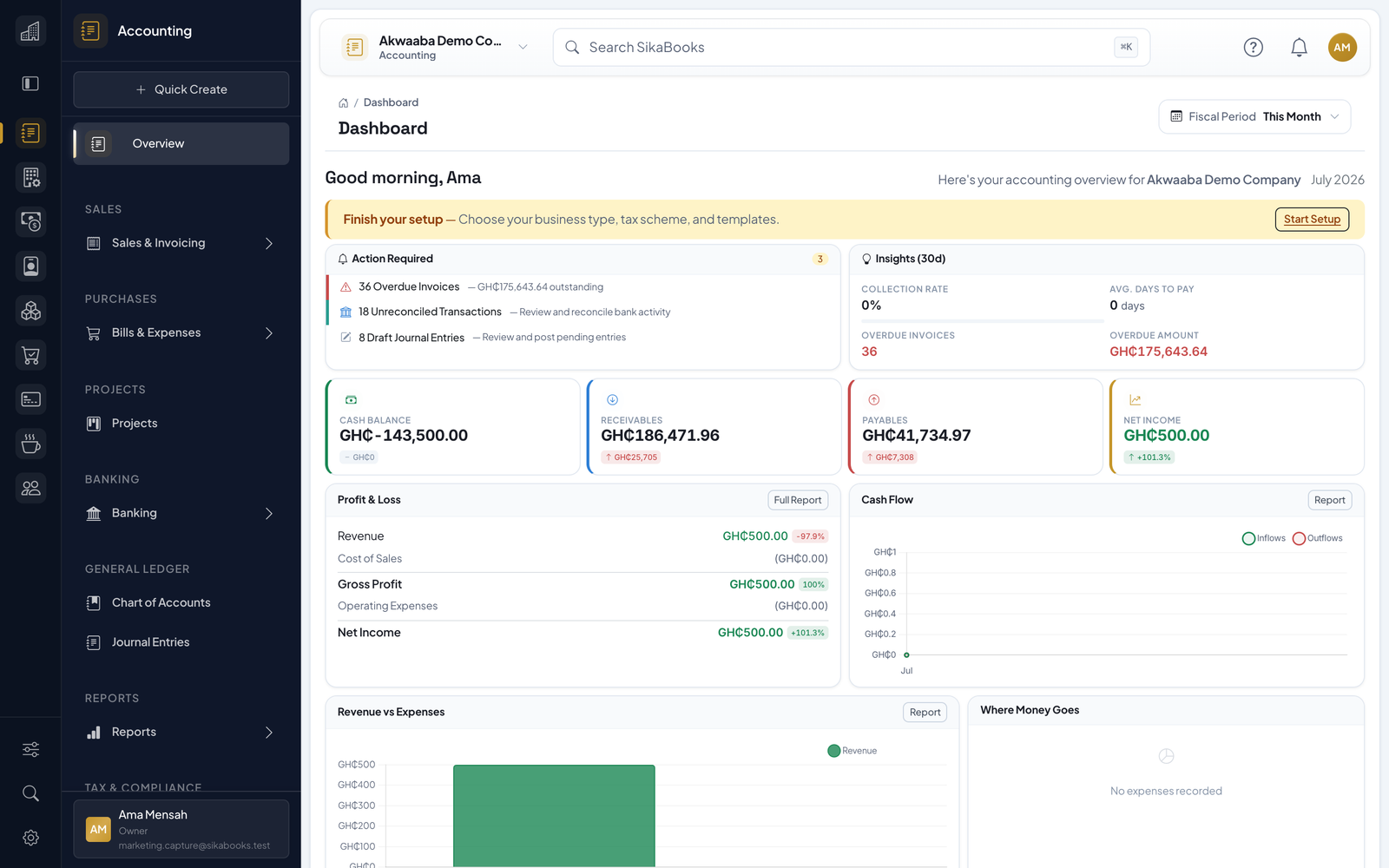
Follow the transaction through the ledger; do not treat a saved draft as a posted or reconciled amount.
Capture an invoice, supplier bill, expense, or money movement with the right date and account.
Check tax treatment, account mapping, and approvals before posting; verify the resulting journal.
Match bank and wallet activity to external statements where supported, and investigate unmatched cash movements.
Inspect the trial balance, Statement of Financial Position, and income statement at the reporting date.
Current, responsive screenshots captured from the synthetic Akwaaba demo workspace.
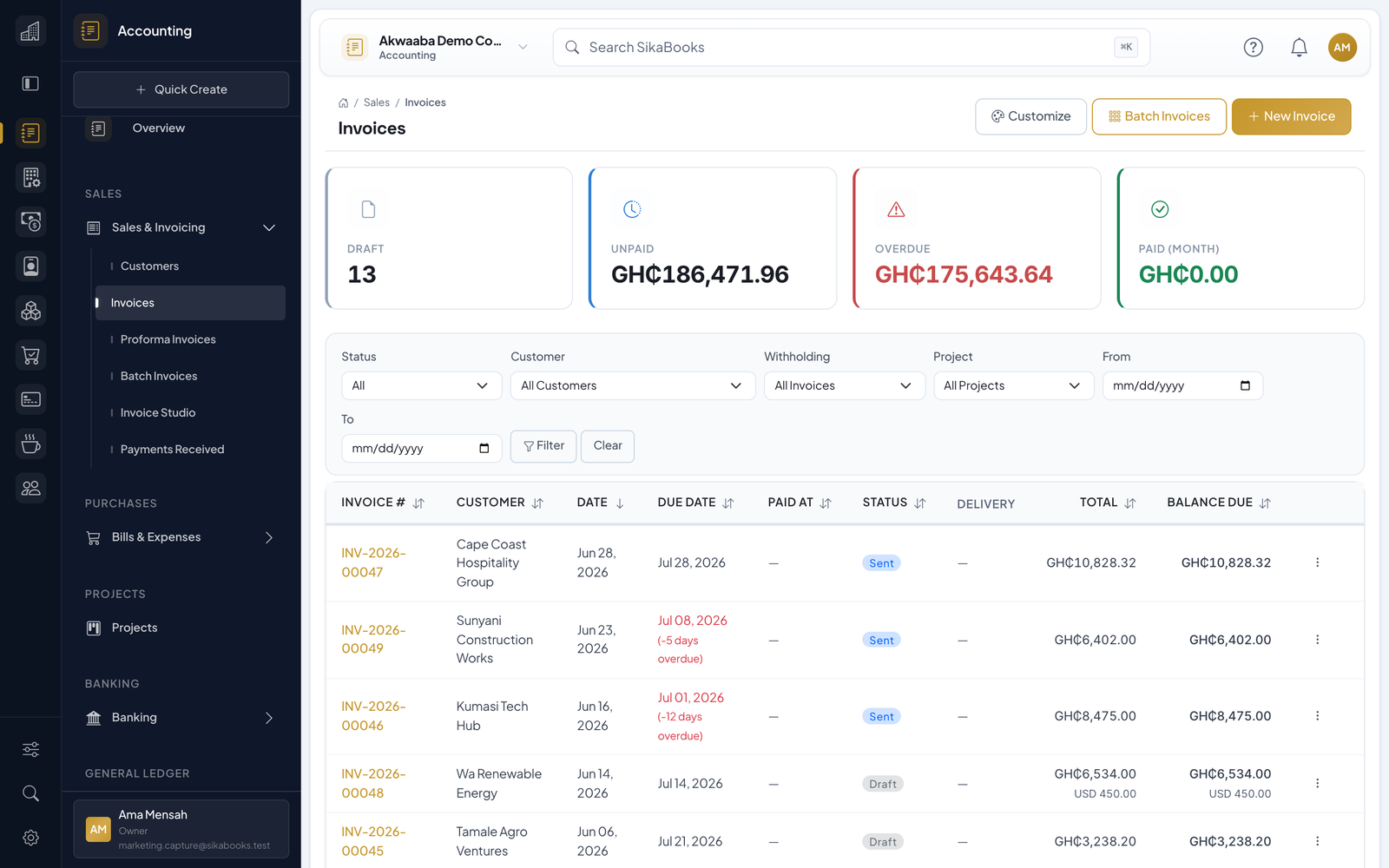
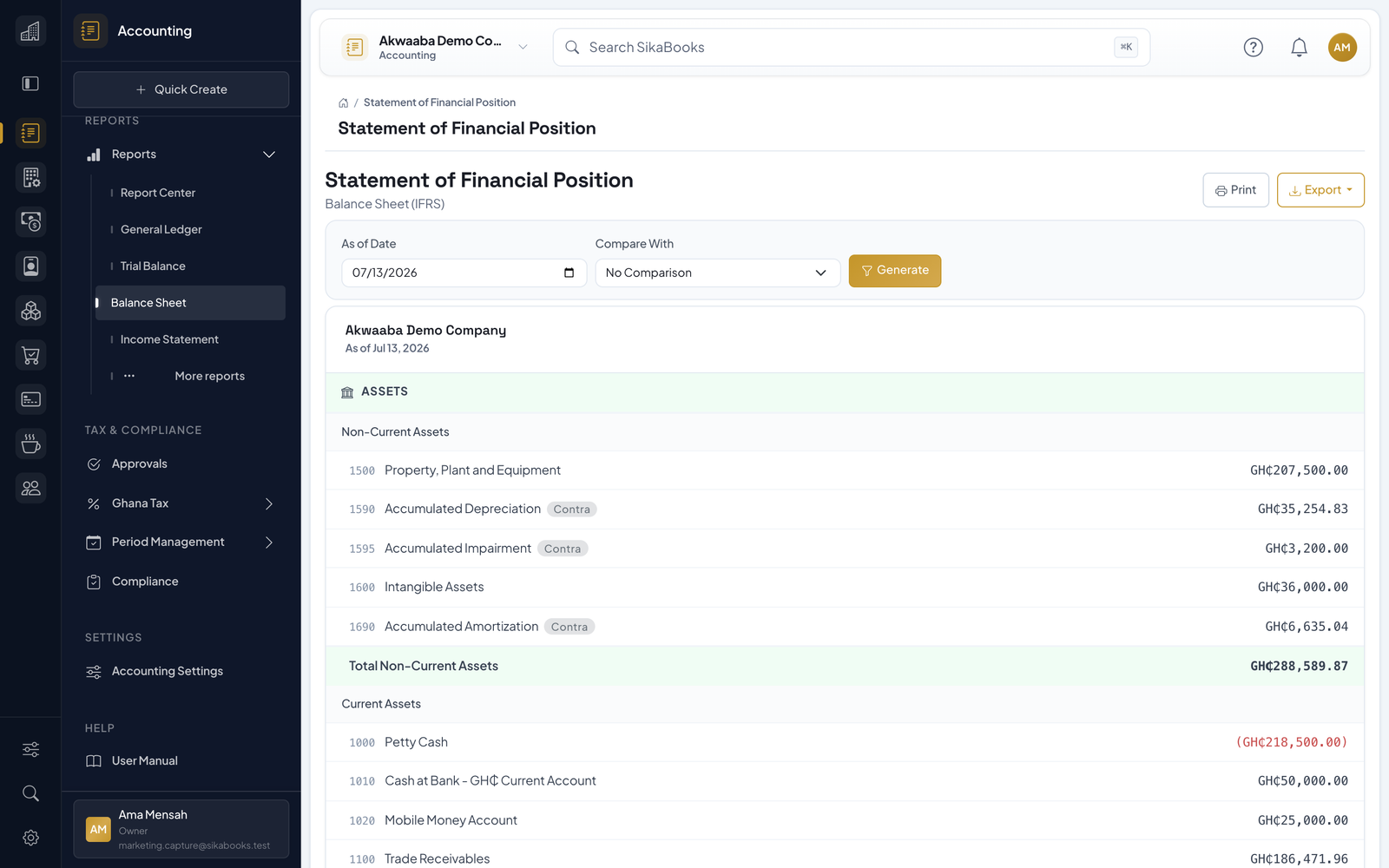
A closer look at what you get when you add Accounting to your workflow.
For current statutory requirements, consult GRA VAT guidance.

Check outstanding and overdue invoices, issue an invoice and record a payment from the SikaBooks app. Approvals and receipts come with you too.
Clear boundaries before you adopt Accounting or connect it to another workspace.
No. It organizes transactions and reports to support preparation and review. Your business and adviser remain responsible for classification, filing, payment, and current legal requirements.
Yes, after the accounts are activated as eligible money accounts. Same-currency transfers move value between balance-sheet accounts; cross-currency transfers use the configured FX controls.
No. Accounting works on its own. Optional integrations can hand off POS sales or Procurement supplier invoices when those modules are enabled and configured.
POS sales can feed revenue and payment records.
Procurement supplier invoices can hand off to Accounting bills for finance approval.
Move from invoices and bills to reconciled books and financial statements, with review at every important step. Start free, no payment needed.