sikabooks Help Center
Guides for every sikabooks workspace
Payroll and finance teams
Payroll user manual
Employees, pay runs, approvals, payslips, and Ghana statutory reporting.
14 articles
Workflows and guidance
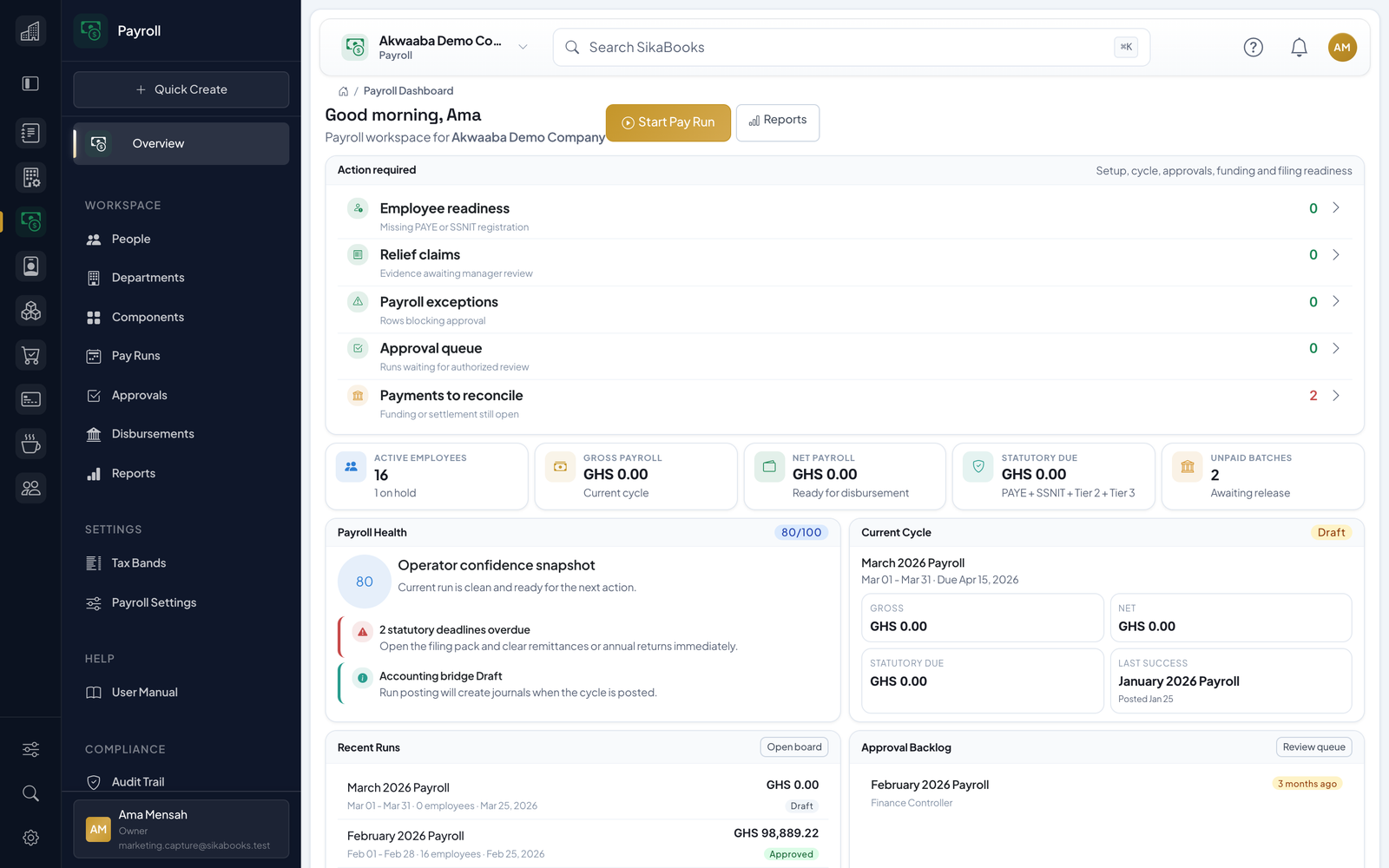
- Getting Started The Payroll module provides controlled payroll operations for Ghanaian businesses, including employee management, PAYE and pension calculations, multi-channel disbursements, paysli...
- Employees Employees are the foundation of your payroll. Each employee record contains personal information, employment type, payment details, statutory IDs, tax reliefs, leave balances, loan...
- Pay Components Pay components are the building blocks of payroll calculation. They represent individual earnings, deductions, or employer contributions that make up an employee's pay. Component C...
- Pay Runs A pay run represents a single payroll cycle — one set of salary calculations, approvals, and payments for a specific period. Creating a Pay Run Navigate to Pay Runs → Create. Enter...
- Calculation When you click Calculate on a draft or calculated pay run, the system processes every eligible employee and computes their full pay breakdown. How Calculation Works For each active...
- Exceptions & Validation During calculation, the system validates every employee's data and flags issues as either blockers or warnings. Blockers (Red) Blockers are critical issues that must be resolved be...
- Approval & Posting Approval Before a calculated run can be posted, it must be approved by an authorised user with the payroll.runs.approve permission. Requirements for approval: Run status must be ca...
- Disbursements After posting, disbursement batches are created for each payment channel. The Disbursements page shows all batches across all posted runs. Bank Disbursements Navigate to Disburseme...
- Payslips Payslips are generated automatically for each employee in a posted pay run. They contain a complete breakdown of earnings, deductions, statutory contributions, and net pay. Payslip...
- Reports & Compliance The Reports section provides visual reports with KPI summaries, charts, data tables, and export capabilities — plus statutory filing tools for GRA and SSNIT compliance. In-Browser...
- Settings Payroll settings are organised into four sections, accessible from Settings in the sidebar. Cycle Configuration Setting Description Default Country Code 2-letter country code GH Cu...
- Permissions & Security Role-Based Access Access to Payroll features is controlled by permissions assigned to business user roles. The following permissions are available: Permission Access Granted module...
- HR Handoffs and Late Leave Corrections Payroll remains the owner of compensation, payment details, statutory deductions, pay runs, payslips, disbursements, and Payroll journals. HR owns workforce identity, organisation,...
- Operating Checklists and Troubleshooting Before the First Run Confirm cycle dates, pay date, base currency, and approval responsibilities. Review effective PAYE and pension tables with their source references. Configure a...