sikabooks Help Center
Guides for every sikabooks workspace
Sales and customer teams
CRM user manual
Customers, deals, activities, quotes, pipelines, and automation.
24 articles
Workflows and guidance
- Getting Started SikaBooks CRM helps a sales team turn enquiries into controlled commercial outcomes. It keeps ownership, follow-up, customer communication, estimates, proformas, and invoices conne...
- Leads and Customers Leads and customers serve different purposes but stay connected. A lead is the qualification workflow for an enquiry. The linked customer is the durable person or organisation reco...
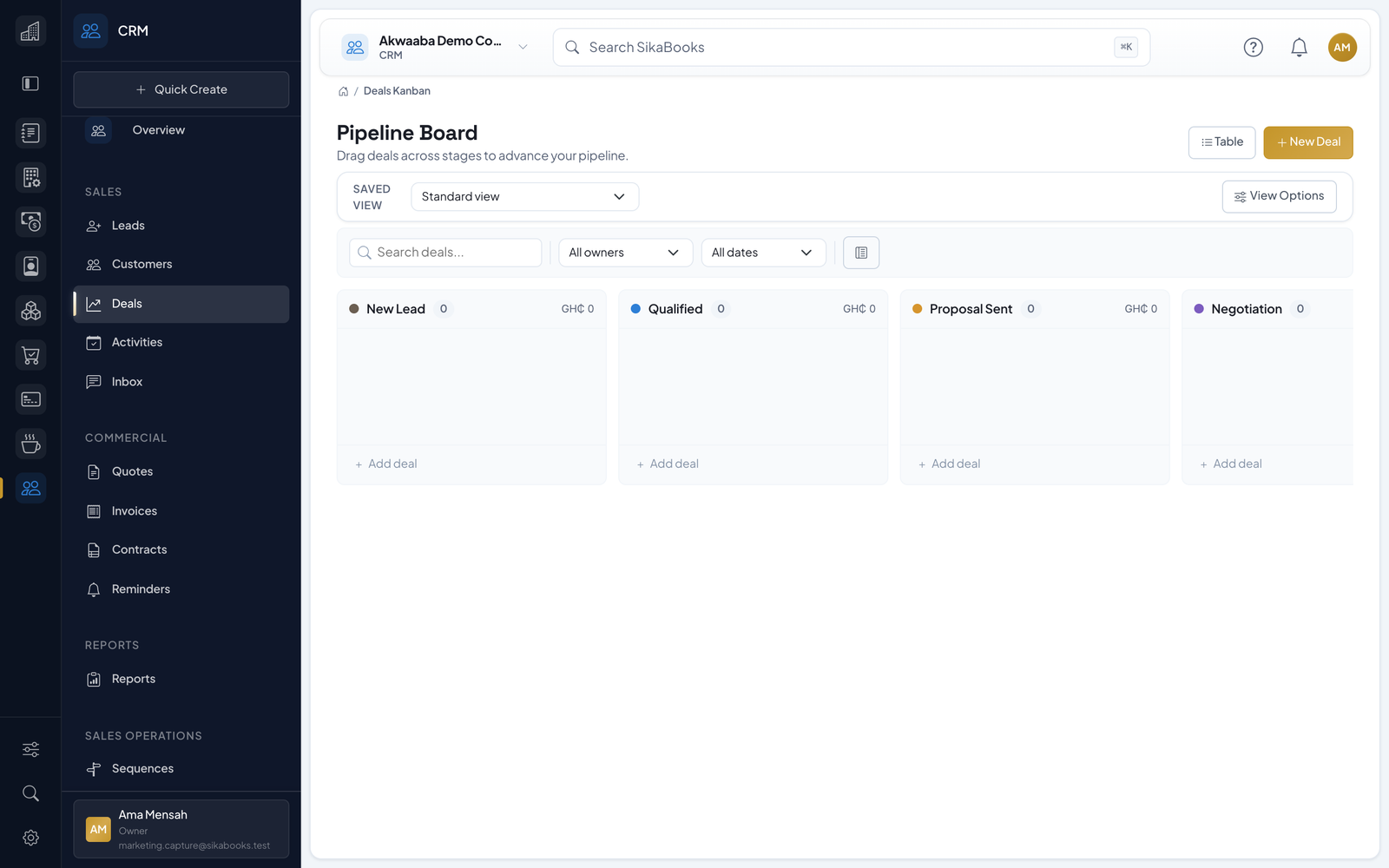
- Deals Deals represent sales opportunities moving through your pipeline stages. 3.1 Viewing Deals Two views are available: List View: Go to Sidebar > CRM > Deals Filter by pipeline, stage...
- Activities Activities are tasks, calls, meetings, and follow-ups that keep your sales process moving. 4.1 Activity Types Type Icon Usage Call Phone Scheduled phone calls Email Envelope Email...
- Conversations The conversation hub provides a shared customer inbox for both integrated and manual channels. Integrated live channels — Email and WhatsApp Manual logged channels — Phone, SMS, Fa...
- Estimates and Proformas Use an estimate to propose scope and price, then use a proforma when the customer needs a formal non-posting commercial document before invoicing. Neither document posts to the Gen...
- Invoices Create and manage CRM invoices with optional synchronisation to the Accounting module. 7.1 Invoice Modes The CRM supports two invoice modes (configured from the Invoice Sync CRM se...
- Contracts Manage customer contracts with status tracking and PDF generation. 8.1 Viewing Contracts Go to Sidebar > CRM > Contracts Browse contracts with status: Draft, Active, Expired, Renew...
- Pipelines & Stages Pipelines define your sales process as a series of stages that deals move through. 9.1 Viewing Pipelines Go to Settings > Pipelines Select a pipeline from the left panel Review its...
- Sequences Sequences are automated email drip campaigns that send a series of messages to customers on a schedule. 10.1 Viewing Sequences Go to Sidebar > CRM > Sequences Browse sequences with...
- Automations Automations let you build workflows that trigger actions based on CRM events — no manual intervention needed. 11.1 Viewing Automations Go to Sidebar > CRM > Automations Browse auto...
- Web Forms Create public web forms that capture leads directly into your CRM. 12.1 Viewing Web Forms Go to Sidebar > CRM > Web Forms (or Settings > Web Forms) Browse forms with submission cou...
- Sales Goals Set and track sales targets for your team by rep and period. 13.1 Viewing Goals Go to Sidebar > CRM > Goals View goals by period (Monthly, Quarterly, Yearly) See progress (current...
- Territories Organise your sales team by geographic territory with Ghana region support. 14.1 Viewing Territories Go to Sidebar > CRM > Territories View territories with assigned reps and perfo...
- Reminders Set reminders for yourself or team members to follow up on important actions. 15.1 Viewing Reminders Go to Sidebar > CRM > Reminders View pending reminders sorted by due date 15.2...
- Reports The CRM includes 10 analytical reports. All support date range filtering. 16.1 Pipeline Report Shows deal distribution across pipeline stages: Deal count and value per stage Weight...
- Email Templates Create reusable email templates with dynamic placeholders for consistent communication. 17.1 Viewing Templates Go to Sidebar > Settings > Email Templates Browse templates by catego...
- Tags Tags help you categorise and segment customers and deals. 18.1 Managing Tags Go to Sidebar > Settings > Tags View, create, edit, or delete tags 18.2 Assigning Tags Go to a customer...
- Customer Portal Give customers self-service access to their quotes, invoices, and contracts via secure signed links. 19.1 How It Works On a customer profile, click Portal Link A signed URL is gene...
- Settings Configure CRM behaviour and defaults. 20.1 General Settings Default Pipeline — Pipeline used for new deals unless specified Stale Lead (Hours) — Flags leads that have gone inactive...
- Integration with Other Modules 21.1 Accounting Integration When the Accounting module is enabled and dual-mirror mode is active: Invoice Sync — CRM invoices create corresponding Accounting invoices Accounting Au...
- API & Webhooks The CRM provides a REST API (v1) for external integrations and webhook subscriptions for real-time event notifications. 22.1 REST API All endpoints require API token authentication...
- Permissions CRM permissions control access to all module features: Permission Description crm.dashboard.view View the CRM dashboard crm.records.view_all View CRM records assigned to every sale...
- Troubleshooting and Glossary 24.1 Common Workflow Problems What you see Likely reason What to do next A lead or customer is missing It is assigned to another salesperson or is unassigned Ask a CRM manager or o...