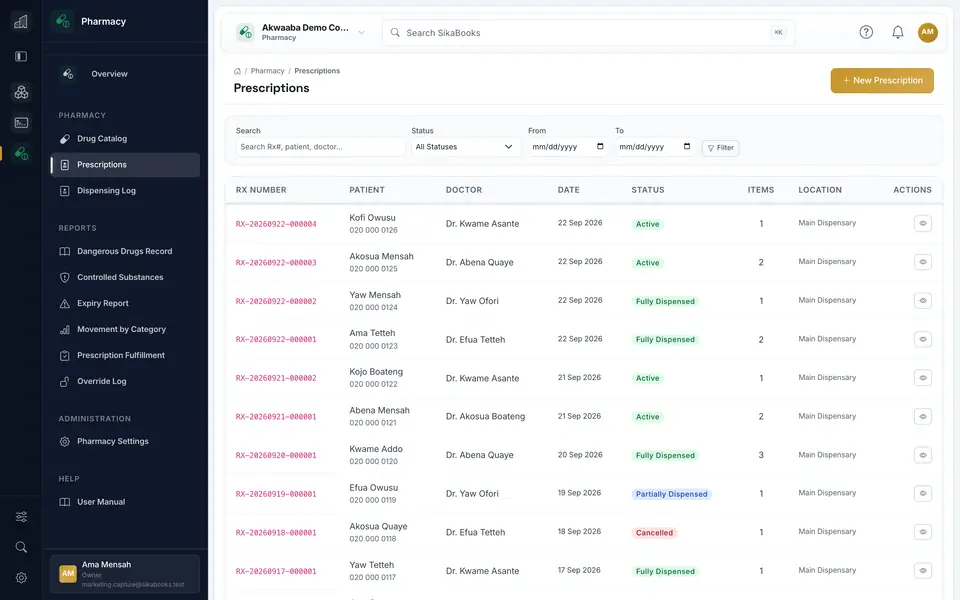
A practical dispensing workflow for licensed teams: verify the medicine and prescription, select a usable batch, and review the resulting record.

A pharmacy sale needs more than a product price. Staff must confirm the medicine, prescription requirements, stock batch, and patient context before checkout.
Prepare the catalog and batches
Set each medicine's schedule, dosage form, selling unit, and stock controls. Receive batch-tracked quantities with expiry dates. The near-expiry warning window and expired-stock block are configurable, so staff must verify the selected batch rather than treating an alert or block as the whole safety check.
Validate the prescription at sale time
For a prescription-only item, locate or create the prescription and link it to the matching POS line. Check the remaining prescribed quantity and any controlled-substance permissions. Do not treat an on-screen warning as clinical approval to dispense.
Review the dispensing evidence
After a successful sale, review the dispensing log, linked prescription, batch allocation, and any override. Reversals and corrections need their own record. The software supports record keeping; the pharmacy and its licensed professionals remain responsible for legal and clinical decisions.
Use the Pharmacy operating guide for the detailed controls and explore the Pharmacy module.