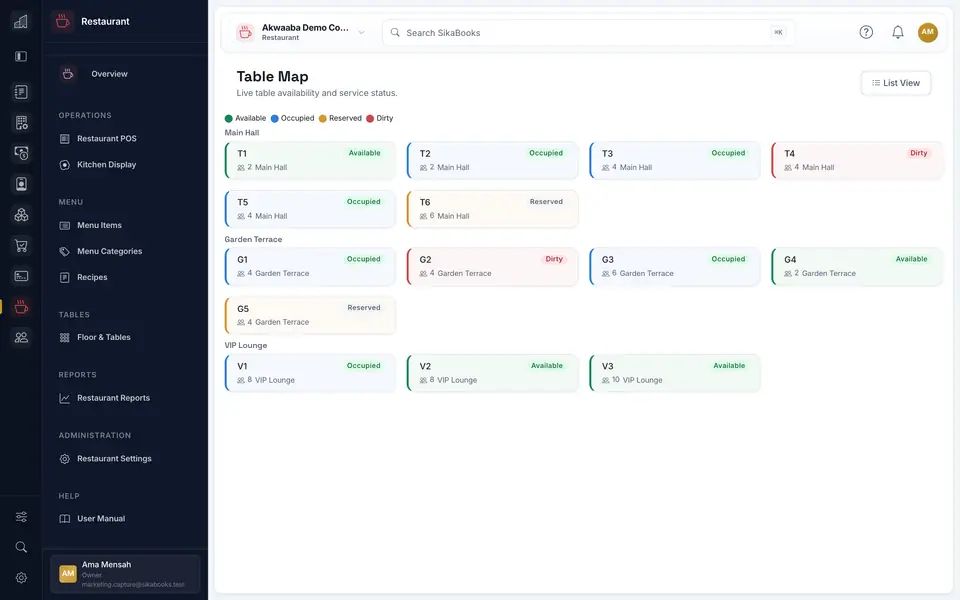
Run table service with either a kitchen display, paper preparation tickets, or both, without confusing an unpaid bill with a receipt.
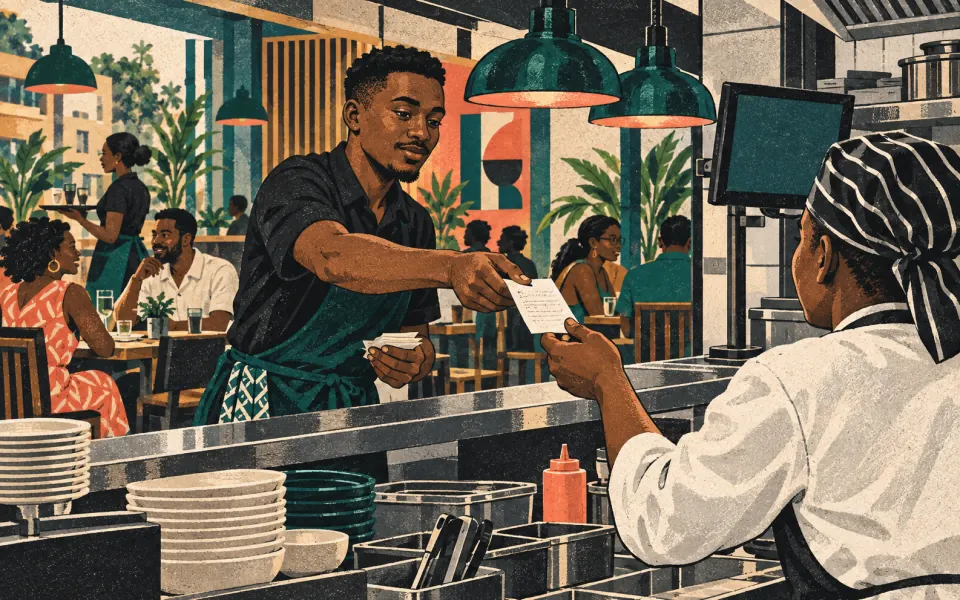
The useful question is not whether every restaurant needs a kitchen screen. It is how the waiter, kitchen, and cashier agree on one order number and its current state.
Choose the preparation path
SikaBooks Restaurant can use Kitchen Display, paper tickets, or both. Set the preparation mode before service. In paper mode, confirming an order saves the preparation batch and opens a customer bill and kitchen copy for printing; it does not prove that either page physically printed.
Keep additions and corrections attached
Resume the same table or tab for later rounds. New items create an additions batch, while changes and cancellations need clear notices for the kitchen. A reprint is a copy of existing work, not another order.
Separate preparation from payment
The customer bill is unpaid. Collect payment through the POS checkout, then use the completed sale's receipt as proof of payment. Kitchen timing reports only include screen-based work, so paper-only service should not be measured as if it used KDS.
Read the Restaurant service guide for paper and display recovery steps, or explore the Restaurant module.